Create Access Token
The x-access-token value used in Client API requests is created in the admin panel.
1. Open Access Tokens
Settings → Access Tokens
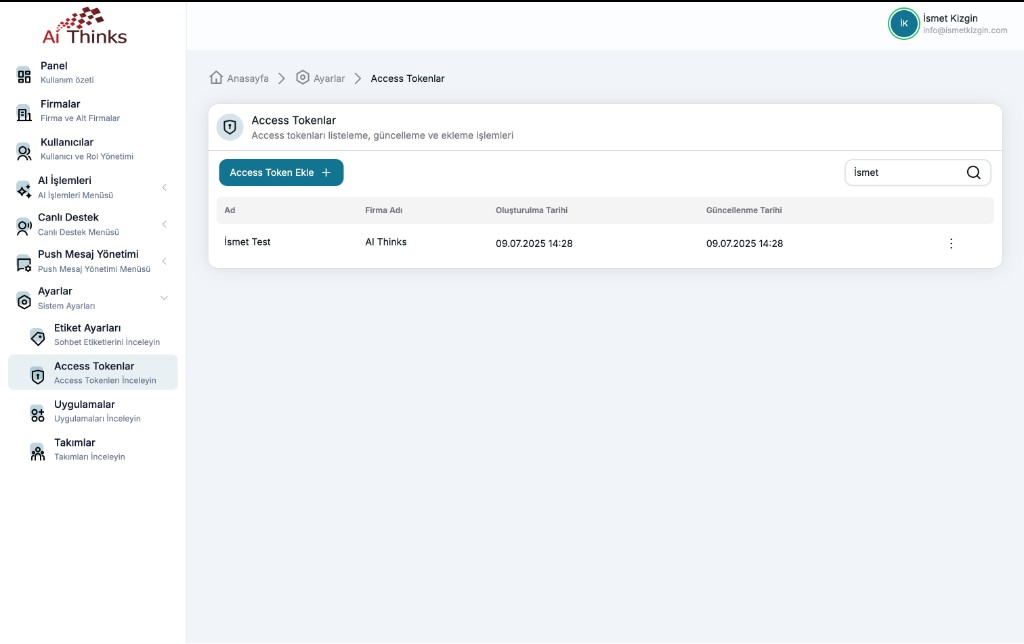
On this screen you can list, search, update, and add tokens.
2. Add a new token
Click Access Token Ekle +. Fill in the token name and company, then save.
After creation, the token value is shown — store it securely. Use it as a header in Client API calls:
x-access-token: <created-token>
List columns
| Column | Description |
|---|---|
| Name | The label you gave the token |
| Company | The company the token belongs to |
| Created / Updated | Timestamps |
Use the row menu to edit or delete a token.
Next step
After you have a token, continue with Authentication and Send message / Push message.